
Cloud Recipe One-click Whole Wheat Bread
by Food·Color
Favorite
Difficulty
Easy
Time
2h
Serving
2
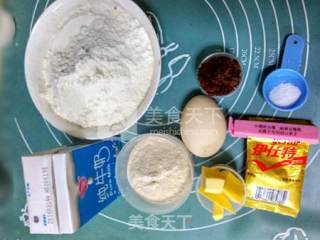
At first glance, I saw the whole wheat bread in the cloud recipe, but I thought that the whole wheat flour was used too little. After thinking about it, I decided to use 50 grams of whole wheat flour and reduce the amount of high-gluten flour accordingly.
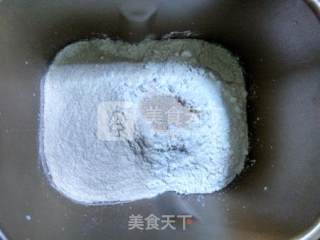
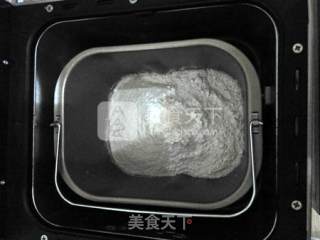
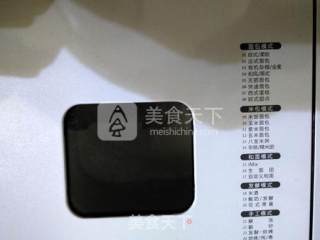
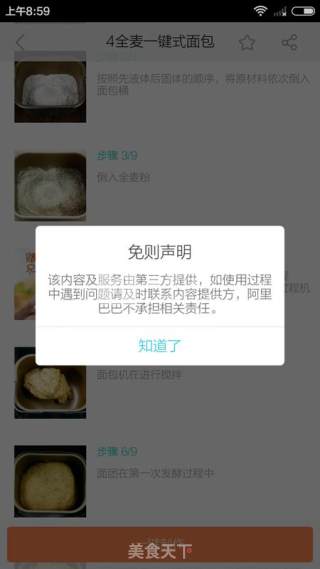
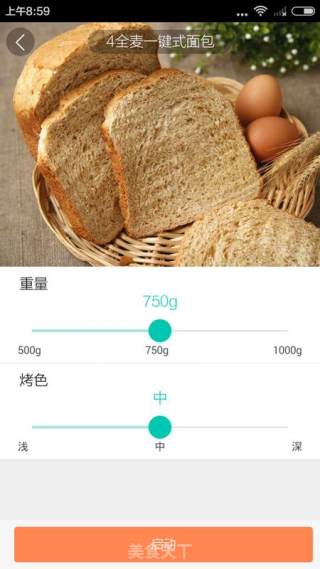
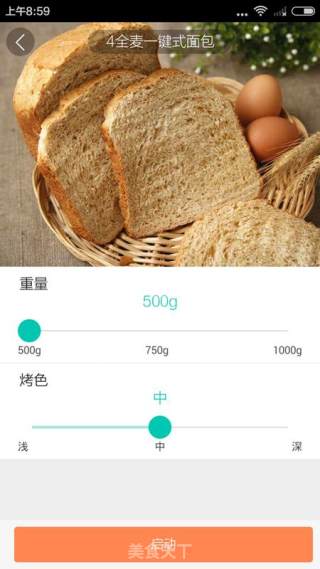
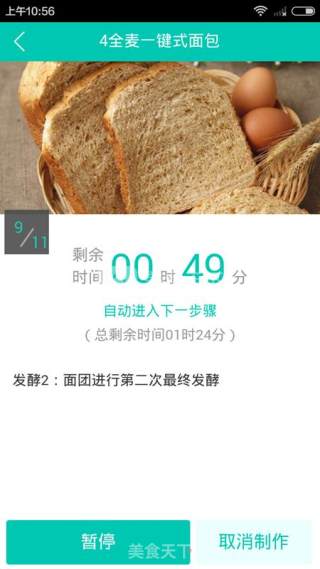
Turn on the phone, turn to the whole wheat bread, prepare the ingredients according to the recipe, put the bread bucket into the bread machine, close the lid, and start one-click production. I immediately discovered the clarity of mobile phone operation-each step has a clear time display, and even a brief explanation of the role of this step. In manual operation, you can only see various icons flashing in sequence on the display screen of the bread machine, marking the step currently entered, but there is no way to know the time required for the step.
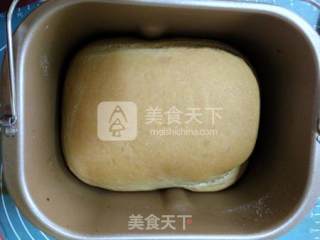
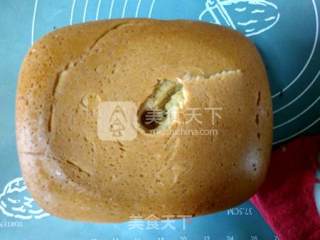
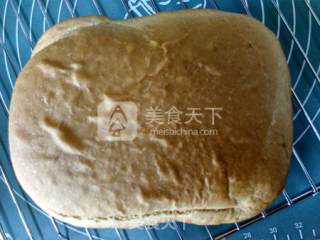
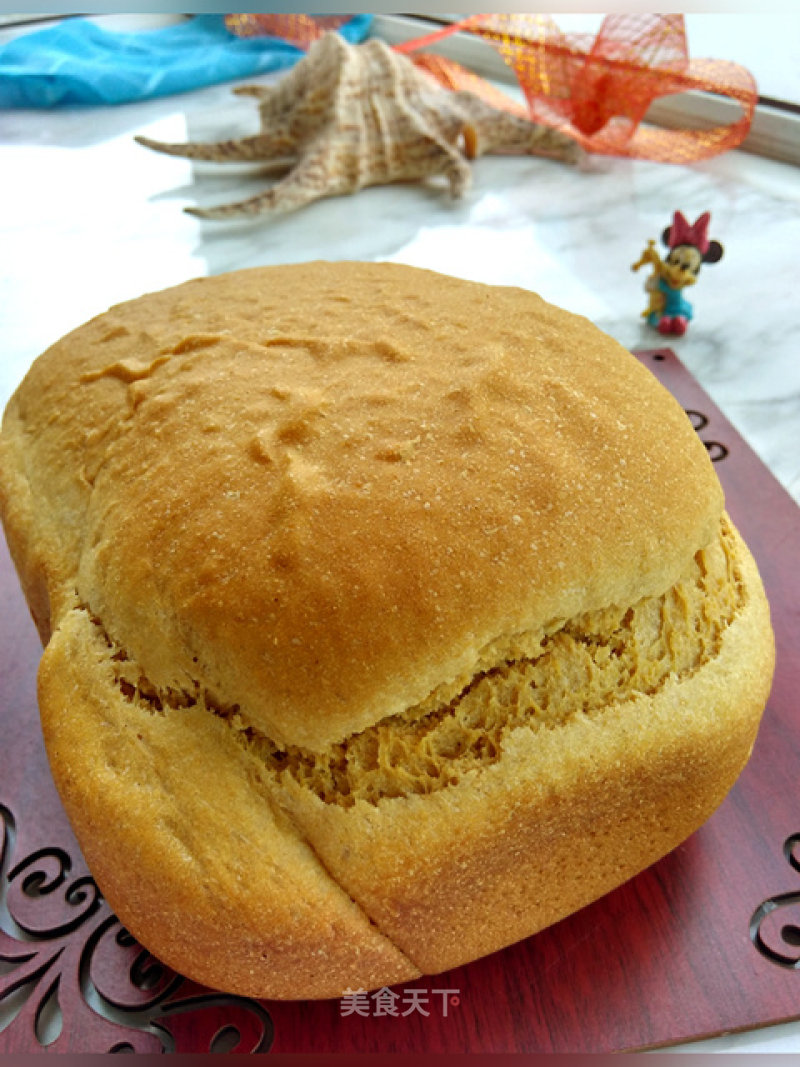
One-key fool operation, you can completely ignore its progress, but still can't help but watch the progress on the phone in the gap. It took too long, and finally waited for a reminder, and you're done. Immediately rushed to lift the bread bucket. The color is okay, I didn't set the dark burn color hard, the result was much lighter than the desired color. Xu is the most common high-gluten flour used, Xu is more whole wheat flour, the bread is growing in general, and the bread is cracked. How do you look like it looks like a big mouth that is unpredictable and unkind. . . . "
 Buy on JD
 Buy on Amazon