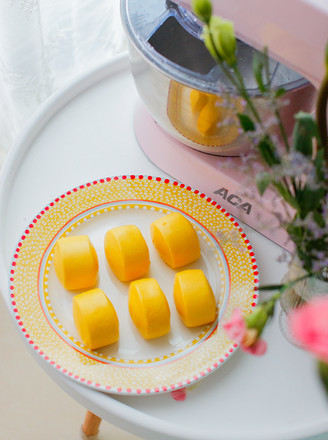

[post A Comment, Win The Haier Smart Oven Trial Report] Pumpkin Muffin
by tgcyy
Favorite
Difficulty
Easy
Time
30m
Serving
2
The biggest highlight of this Haier smart oven is its unique WIFI module configuration. As long as there is wireless at home, you can get the "oven" app on your mobile phone, and use your mobile phone to control the oven and configure it, so you can easily complete the master baking. Don't be scared by these professional vocabulary. I, a high school student born in the 70s, can easily operate it. I am very grateful to Gourmet World and Haier Smart Oven for allowing me to experience the convenience and fashion of high-tech baking. "
 Buy on JD
 Buy on Amazon